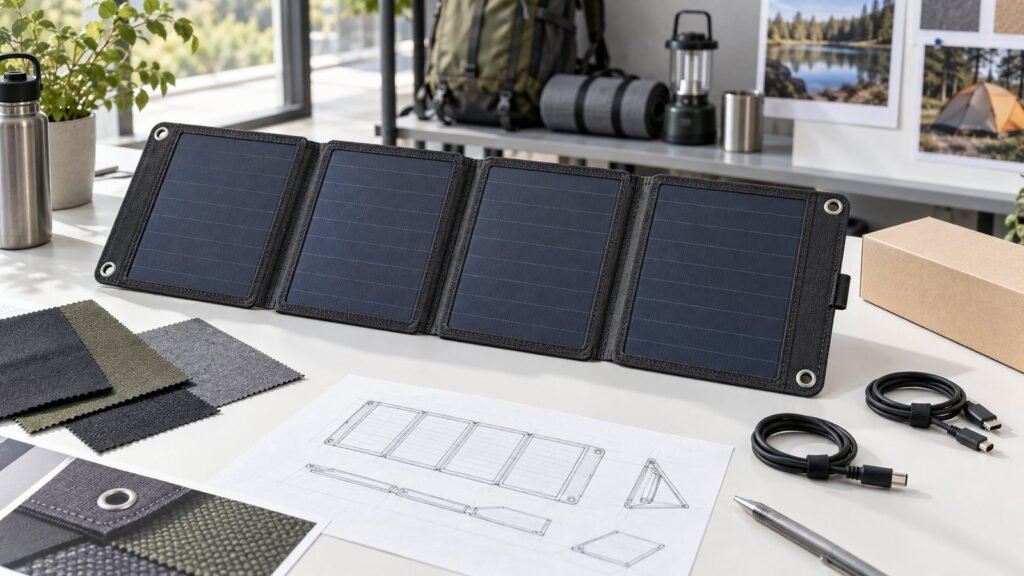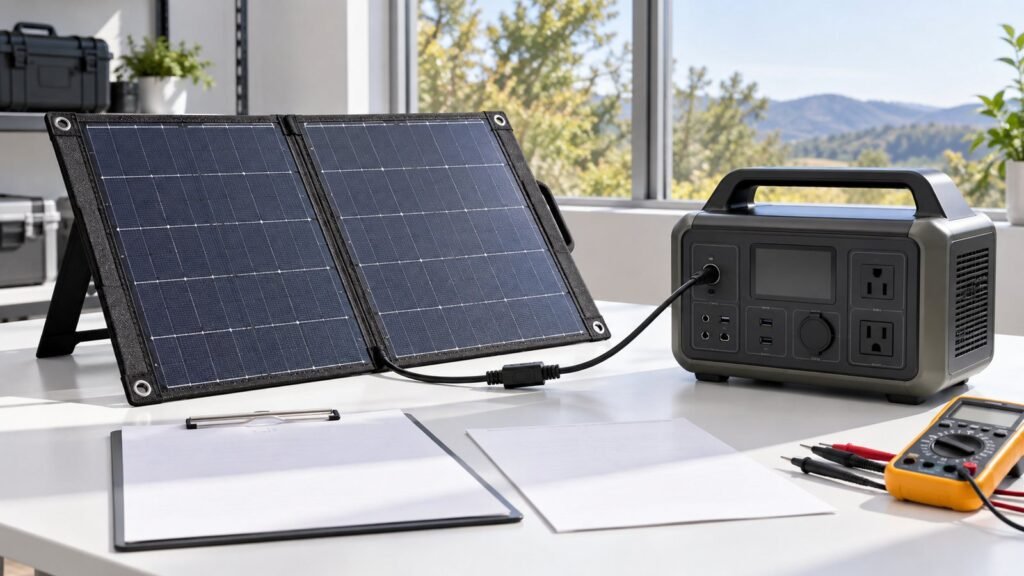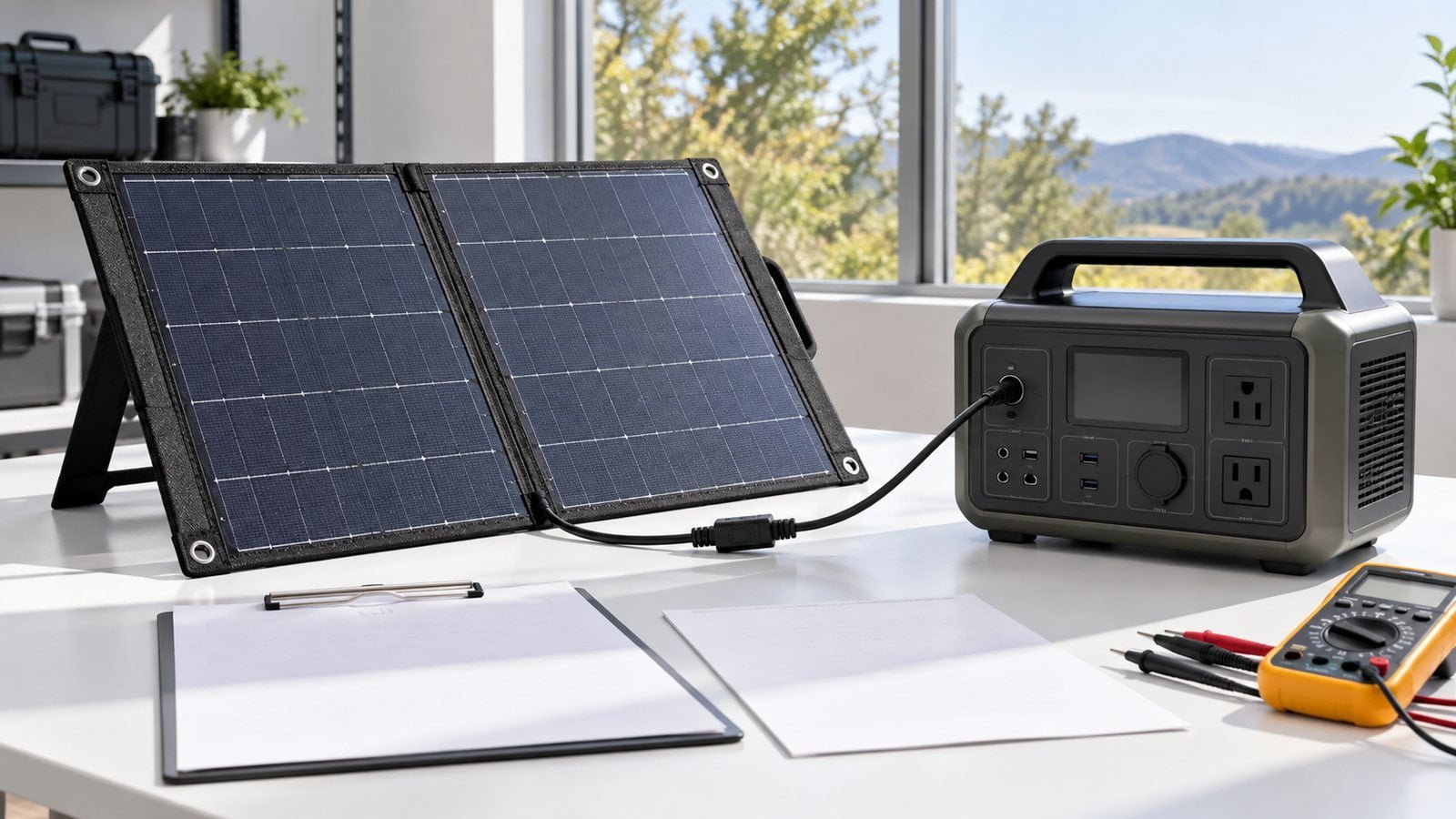
A cable that plugs into a portable power station does not prove that the solar panel is compatible. The voltage may be outside the input window, polarity may differ, the connector may have another pinout, or the station may limit available current.
Selecting a solar panel for a portable power station requires both data sheets. The safest review covers five areas: operating voltage, open-circuit voltage, input current, connector and polarity, and real operating conditions.
Collect the Two Specifications
For the power station, find:
- Solar or DC input voltage range
- Maximum permitted open-circuit voltage
- Maximum input current
- Maximum solar input power
- Connector type and pinout
- Polarity
- Supported charging protocol or identification method, if any
- Rules for series or parallel sources
For the panel, find:
- Rated maximum-power voltage and current
- Open-circuit voltage
- Short-circuit current
- Rated power and stated test condition
- Connector, pinout, and polarity
- Cable length and conductor information
- Any integrated controller or regulated output
Use the exact model documentation. Product families may contain versions with different input ranges or connectors.
Check 1: Operating Voltage Window
The panel’s useful operating voltage needs to fall within the power station’s solar input range under expected conditions. If voltage is below the station’s startup or minimum tracking level, charging may not begin or may stop in weak light.
If the operating voltage is too high, the combination may exceed the permitted input range. Do not rely only on nominal battery voltage or the label on a DC connector.
The power station manufacturer may specify additional conditions for its charge controller. Follow those instructions.
Check 2: Open-Circuit Voltage Limit
Open-circuit voltage is measured when the panel is illuminated but not delivering current to a load. It can be higher than the voltage at the maximum-power point.
Compare the panel’s open-circuit specification with the power station’s absolute input limit. Include the effect of the intended series configuration and conditions identified by the equipment manufacturers.
Never connect a source that may exceed the station’s maximum permitted input voltage. A connector adapter does not provide voltage protection.
Check 3: Input Current and Power Limits
The station’s current and power limits define how much input it can accept. A controller may draw no more than its designed limit, but any higher-current source must still be evaluated against the exact station design and manufacturer guidance.
Do not assume that a panel with a lower wattage is automatically safe. Voltage can still be outside the allowed range. Likewise, a high-wattage panel may be electrically usable only if its voltage and current behaviour are within the station’s limits.
When comparing expected charging performance, remember that nameplate power is not continuous field output. Sun angle, temperature, cloud, shade, surface condition, cable loss, and controller behaviour all affect delivered power.
Check 4: Connector, Pinout, and Polarity
Portable power products use several DC connector families and adapter systems. Similar connector dimensions can hide a different inner contact, pinout, or polarity.
Verify:
- Exact connector series or measured dimensions
- Male and female orientation
- Centre-positive or centre-negative polarity where relevant
- Multi-pin contact assignment
- Cable adapter wiring
- Connector voltage and current suitability
- Retention and strain relief
An adapter should be treated as a controlled cable assembly. Label it and test continuity and polarity before connection.
For product development, the solar panel cable and connector specification should be part of the approved drawing.
Check 5: Practical Operating Conditions
Compatibility on paper still needs a product-level test. Portable systems operate with changing sunlight, moving shadows, long cables, warm surfaces, and imperfect orientation.
Test:
- Startup in representative sunlight
- Operation when clouds reduce input
- Restart after temporary shade
- Cable and connector temperature under expected load
- Voltage at the station input, not only at the panel
- Target battery states
- Likely panel angles and deployment positions
- Partial shading from handles, straps, trees, vehicles, or tents
Record the equipment model, firmware if relevant, panel revision, cable, sunlight conditions, and measured behaviour.
Understand Cable Voltage Drop
Long or undersized cables can reduce voltage at the station input. The current travels through both positive and negative conductors, so the complete loop matters.
Voltage drop is especially important when panel voltage is close to the station’s minimum operating threshold. A combination that starts with a short bench cable may behave differently with the final outdoor lead and adapter.
Select conductor size, cable length, jacket, connector, and strain relief as one assembly. Use component data and project calculations rather than a generic cable rule.
Series and Parallel Connections Need Separate Review
Connecting panels in series increases voltage. Connecting compatible sources in parallel can increase available current. Either choice changes what reaches the station.
Before combining panels, confirm that the panel design and power station documentation permit the configuration. Check open-circuit voltage, operating voltage, current, connectors, polarity, cable assembly, and mismatch between panels.
Avoid improvised splitters or series adapters without an approved system design.
Direct DC Output vs. Regulated Output
Some portable panels provide an unregulated solar output intended for a power station’s internal charge controller. Others include regulated USB or DC electronics.
The correct connection depends on the station input. A regulated port, direct panel output, and USB-C interface are not interchangeable simply because their power ratings appear similar.
Define which electronics are in the panel and which are in the power station. This avoids duplicate conversion, incompatible startup behaviour, or an unsupported charging protocol.
OEM Compatibility Checklist
| Check | Information required |
|---|---|
| Station input | Voltage window, maximum voltage, current, and power |
| Panel output | Operating voltage/current and open-circuit voltage |
| Interface | Connector, pinout, polarity, cable, and adapters |
| Architecture | Direct PV, regulated DC, USB, or USB-C output |
| Configuration | Single panel, series, or parallel plan |
| Field use | Sunlight, angle, shade, cable length, and temperature |
| Validation | Startup, restart, loaded operation, and target-device test |
| Documentation | Exact model numbers and controlled revisions |
Common Compatibility Mistakes
Matching only the wattage
Voltage, current, input limits, and interface determine compatibility.
Assuming connector fit means correct polarity
Always verify the wiring and pinout.
Comparing operating voltage with the maximum limit
Open-circuit voltage must also remain within the permitted limit.
Ignoring the final cable and adapter
Voltage drop, connector resistance, and wiring errors can change system behaviour.
Promising a fixed charging time
Charging time depends on battery state, sunlight, orientation, limits, and losses.
FAQ
Can I use a solar panel with more watts than the power station’s input rating?
Do not decide from wattage alone. Confirm voltage, open-circuit limit, current behaviour, and the station manufacturer’s rules for source sizing.
Is an adapter cable enough to make two products compatible?
No. It solves only the physical interface when correctly wired. Electrical limits and charging behaviour still need verification.
Why does charging stop when a cloud passes?
Input may fall below the station’s startup or operating requirement, and restart behaviour varies by controller. Test the exact combination.
Can two portable panels be connected together?
Only after confirming that the panels, connectors, cables, and power station support the proposed series or parallel configuration.
Next Step
For an OEM or accessory project, share your power-station compatibility requirements with SiborTech, including the exact input specification, connector and polarity, target charging scenario, preferred cable, and required portable form factor. A foldable solar charger for camping can then be evaluated around the actual electrical interface.